Menu Engineering: How to Price a Menu That Sells
The most popular dish is not always the one that pays your rent. Menu engineering shows which dishes earn money, which only look busy, and how to price and arrange your menu so guests choose the right ones.
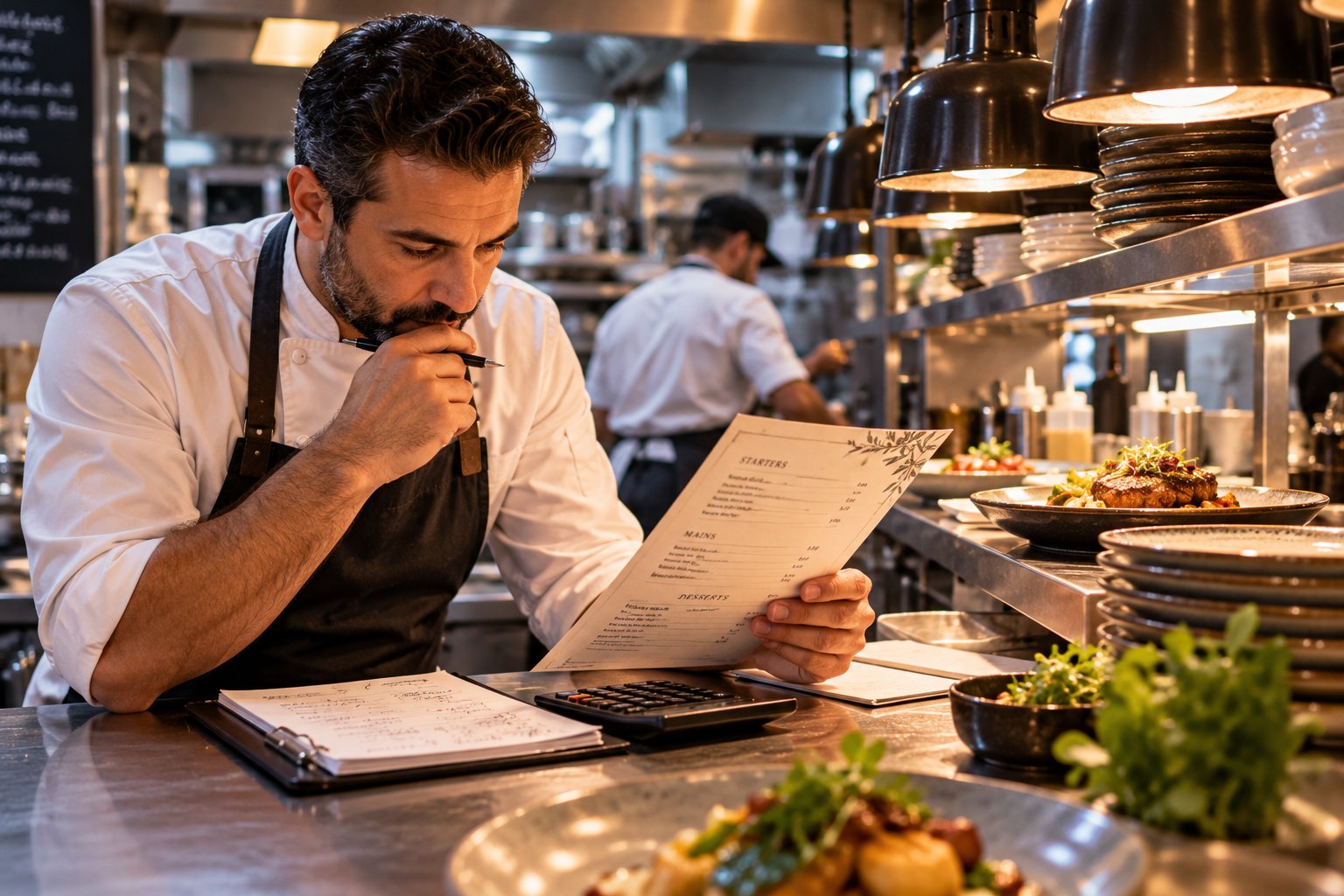
Many restaurants are busy and still short of money. Often the reason is on the menu: the dishes guests love most are not the ones that earn the most. Menu engineering – a method developed for restaurants in the early 1980s and still used everywhere – gives you a simple way to see which dishes work for you and what to change. You need a calculator, your recipes and a month of sales.
Step 1: know what every dish really costs
Cost each recipe completely: every ingredient by weight, plus garnish, sauce, oil, bread on the side and normal waste. Then calculate the food cost percentage:
food cost % = ingredient cost ÷ menu price × 100
Many restaurants aim for roughly a quarter to a third of the price in ingredients, but the right number depends on your concept. Steak will always run higher than pasta. Use the percentage as a warning light, not as the goal.
Step 2: compare profit per plate, not only percentages
The percentage alone can mislead. Look at the money each plate leaves after ingredients – the contribution margin:
- Dish A: ingredients 3, price 10 → food cost 30%, margin 7
- Dish B: ingredients 6, price 15 → food cost 40%, margin 9
Dish B has the "worse" percentage but earns more on every plate. If both sell equally well, B is the better dish to promote. Your bank account is paid in margin, not in percentages.
Step 3: sort every dish into four groups
Take one month of sales. For each category, compare each dish with the category average on two things: how often it sells and how much margin it brings. You get four groups:
Stars – popular and profitable
Protect them. Keep quality and portion consistent, give them the best place on the menu and a good photo. Raise the price carefully, if at all.
Plowhorses – popular, low profit
Guests love them but they earn little. Try a small price increase, a cheaper garnish, a better-priced side, or a slightly smaller portion – one change at a time.
Puzzles – profitable, rarely ordered
They earn well but nobody picks them. Move them to a better spot, rename them, write a more appetising description, add a photo, or ask staff to recommend them.
Dogs – unpopular and low profit
Most can go. Removing them shortens the menu, cuts waste and makes the kitchen faster. Keep one only if it has a real reason – a regular's favourite, or the only vegetarian main.
Step 4: price with care
- Do not line prices up in a column. Guests then read the menu by price. Put the price at the end of the description instead.
- Keep the currency symbol quiet. A small or absent symbol shifts attention to the dish.
- Use an anchor. One premium dish at the top of a category makes the others feel reasonable.
- Raise prices in small steps and watch sales of that dish for a few weeks.
Step 5: design the menu around your stars
Guests decide quickly. Help them:
- keep categories short – too many choices slow decisions and orders;
- put stars and puzzles where the eye lands first: the top of each category;
- give high-margin dishes the best photos and the most appetising descriptions;
- describe dishes in one honest sentence: main ingredients, how it is cooked, what makes it special.
If you serve guests from abroad, the same rules apply in every language – our guide to menu translation shows how to keep descriptions appetising when they are translated.
Step 6: repeat every month
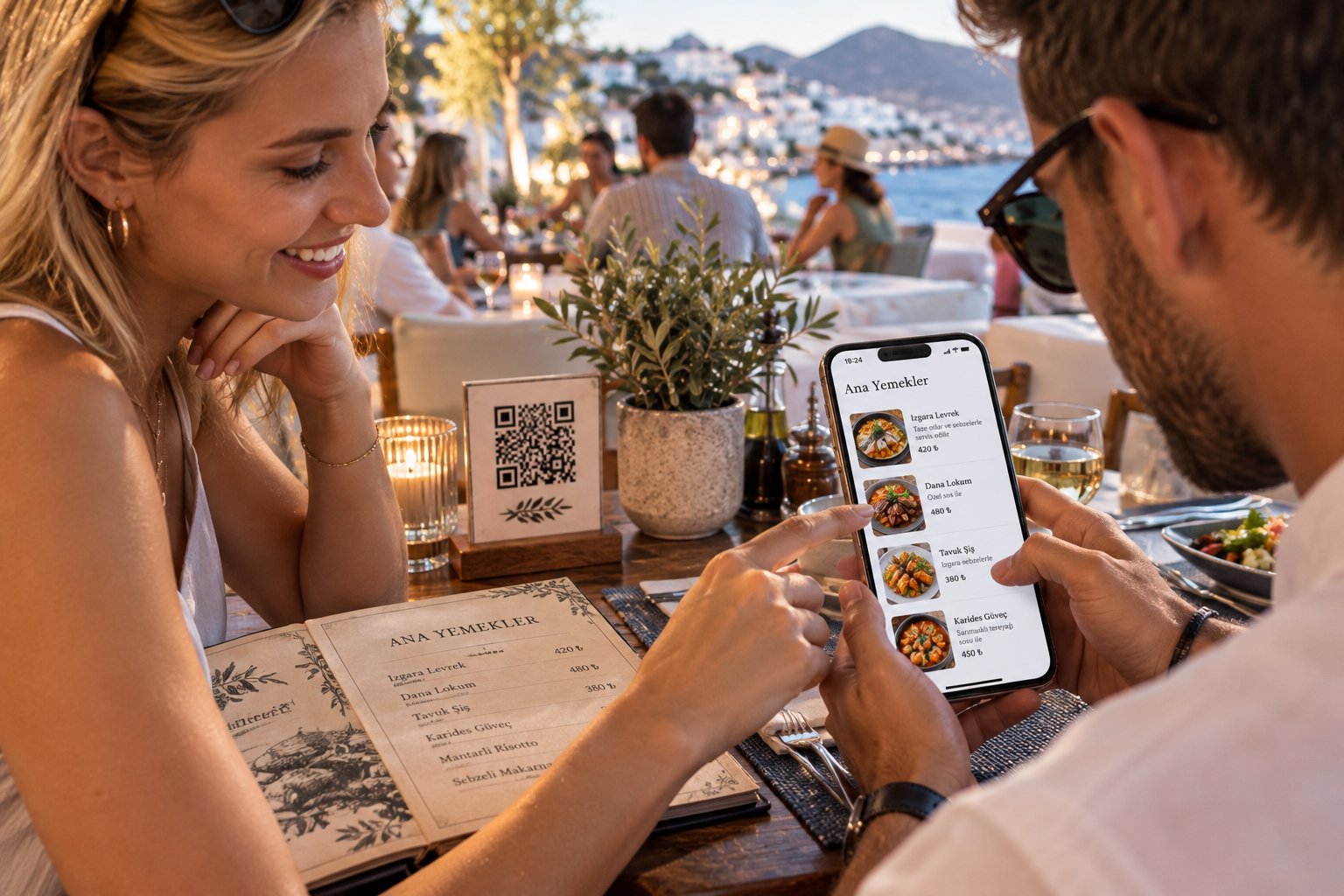
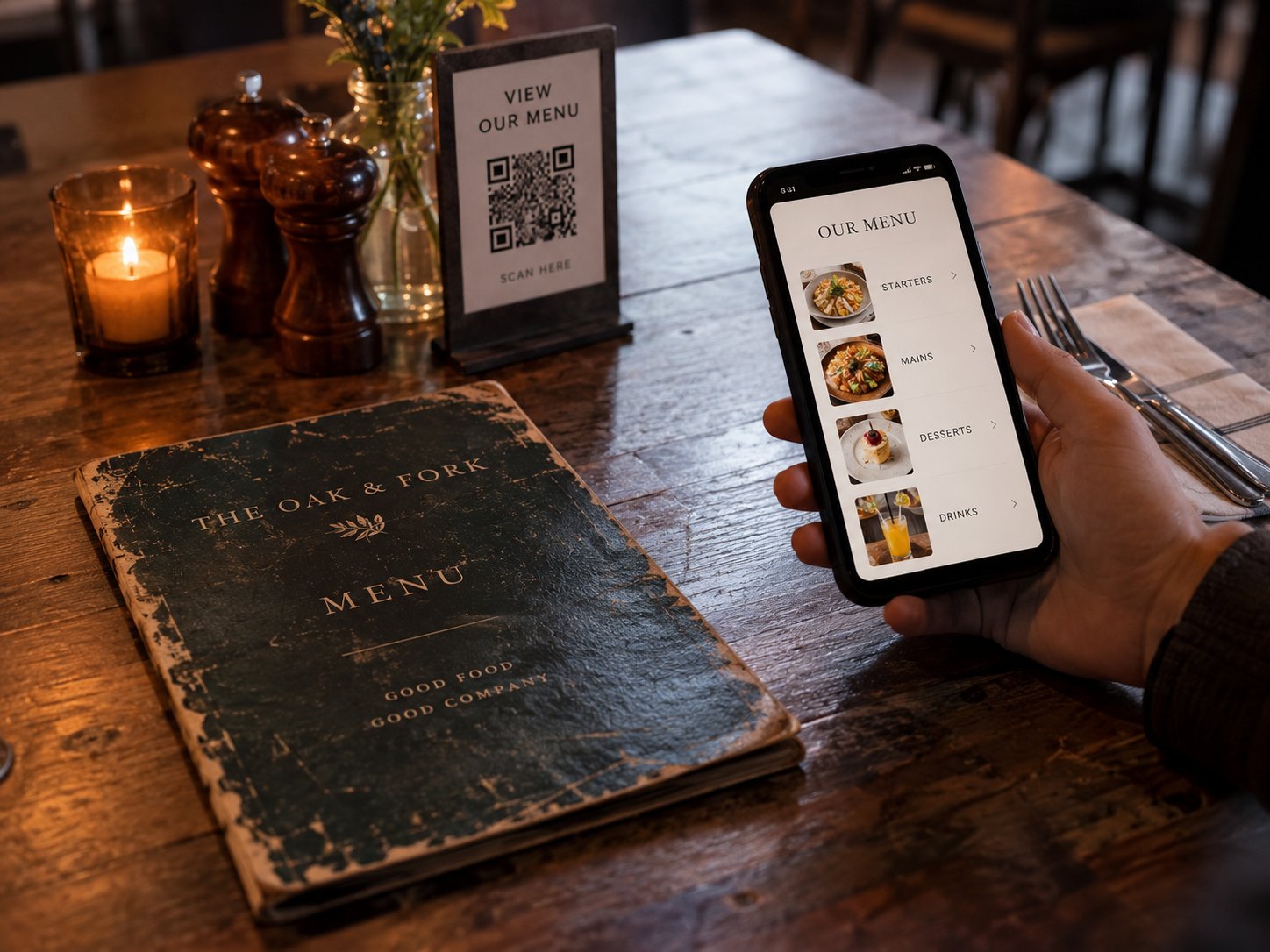
Menu engineering is not a one-off project. Prices of ingredients change, seasons change and guests change. Repeat the analysis monthly or quarterly with fresh sales data. A digital menu makes this much easier: you can change prices, reorder dishes, swap photos and test a new description the same day, without reprinting – see what a QR menu costs compared with constant reprints.
A signal paper cannot give you
Sales show what guests ordered. A digital menu also shows what they looked at. A dish that many guests open but few order is a classic puzzle: interest is there, but something – the price, the description, the photo – stops the order. That is exactly the dish to work on next.
How YR Menu supports menu engineering
YR Menu shows your most-viewed dishes, busiest days and guest languages, so you see interest as well as sales. You can change prices and the order of dishes in seconds, add photos, let AI help write descriptions and estimate allergens, and hide sold-out dishes instantly. If you are about to open, our restaurant opening checklist covers everything else. Start free for 14 days, no card needed.