Menu Translation: How to Serve Foreign Guests Well
A guest who cannot read your menu orders the safest dish, or leaves. Practical rules for translating a restaurant menu: dish names, allergens, prices, photos, and which languages to choose.
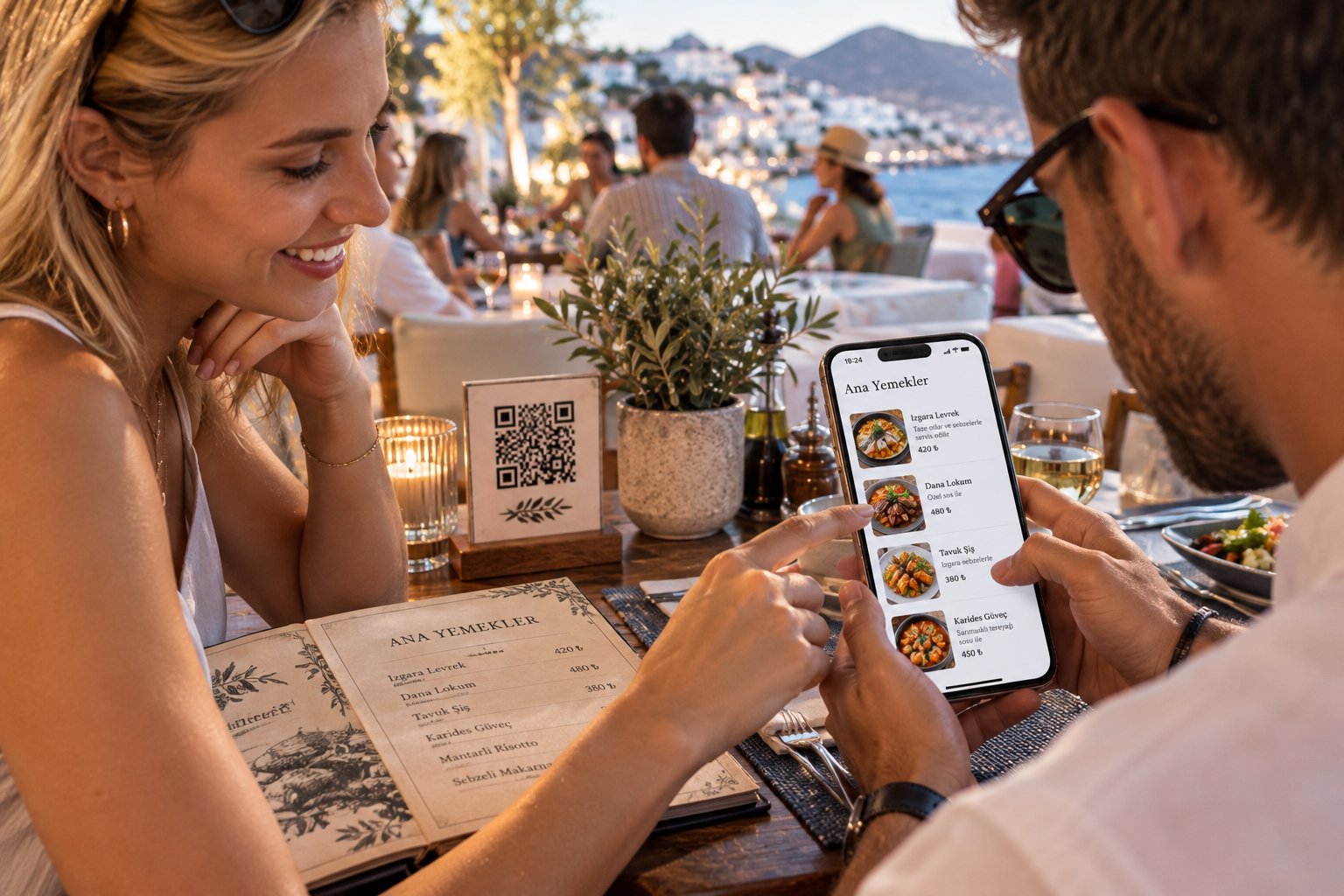
Watch a tourist with a menu they cannot read. They scan the page for a word they recognise, point at the safest-looking dish, or call the waiter over for every line. Some simply leave. A good menu translation fixes all of that – but a bad one can be worse than none. This guide covers how to translate a restaurant menu so foreign guests order with confidence, and how a multilingual QR menu makes it manageable.
Start with the languages your guests actually speak
Do not translate into ten languages because you can. Start with evidence:
- Ask your team which nationalities ask the most questions at the table.
- Look around you – nearby hotels, tour groups, business centres and embassies tell you who walks past your door.
- Measure it – a digital menu can show which phone languages your guests use. Add languages when the numbers say so.
For most venues the first step is English, then the two or three languages of your most frequent visitors – Russian, Arabic, German, Chinese or Korean, depending on where you are.
Rule 1: keep the dish name, then explain it
The most common mistake is translating a dish name word for word. "Plov" is not "rice dish", and "İskender" is not "Alexander kebab". Guests often come for the local name. Keep it, and add a short explanation in the guest's language:
Plov – rice slow-cooked with lamb, yellow carrots and cumin, served with salad.
The name keeps its character, the description tells the guest what will arrive.
Rule 2: describe what is on the plate
A translated name without a description still leaves the guest guessing. One sentence is enough: the main ingredients, how it is cooked, whether it is spicy, and how big the portion is. These are exactly the questions waiters answer all day.
Rule 3: translate allergens with extra care
For a guest with an allergy, the allergen line is the most important line on the menu. Use a standard list – the 14 allergens of EU rules are a good reference even outside Europe – and mark them per dish rather than in a footnote. Dietary tags such as vegetarian, vegan or halal help guests filter quickly. Never let an allergen depend on a free-text translation nobody checked.
Rule 4: keep prices and currency local
Show prices in your own currency. Converting them for each language creates rounding errors and arguments at the till; tourists' phones convert currency in seconds anyway.
Rule 5: let photos do half the work
A photo is understood in every language. Dishes with a good photo need less explanation and are easier to choose. Start with your best sellers and the dishes foreign guests ask about most.
Rule 6: respect the script
Arabic is read from right to left, and Chinese, Korean or Cyrillic need fonts that actually include those characters. A printed menu or a PDF often breaks here: missing letters, reversed text, boxes instead of words. Whatever you use must display each language the way its readers expect.
Rule 7: use machine translation, then check it
AI translation is fast and good with descriptions. Dish names, local terms and anything about allergens deserve a human check – ideally by a native speaker among your staff or regular guests. Funny mistranslations end up on social media; wrong allergen information ends up somewhere much worse.
Rule 8: one menu, not ten printed copies
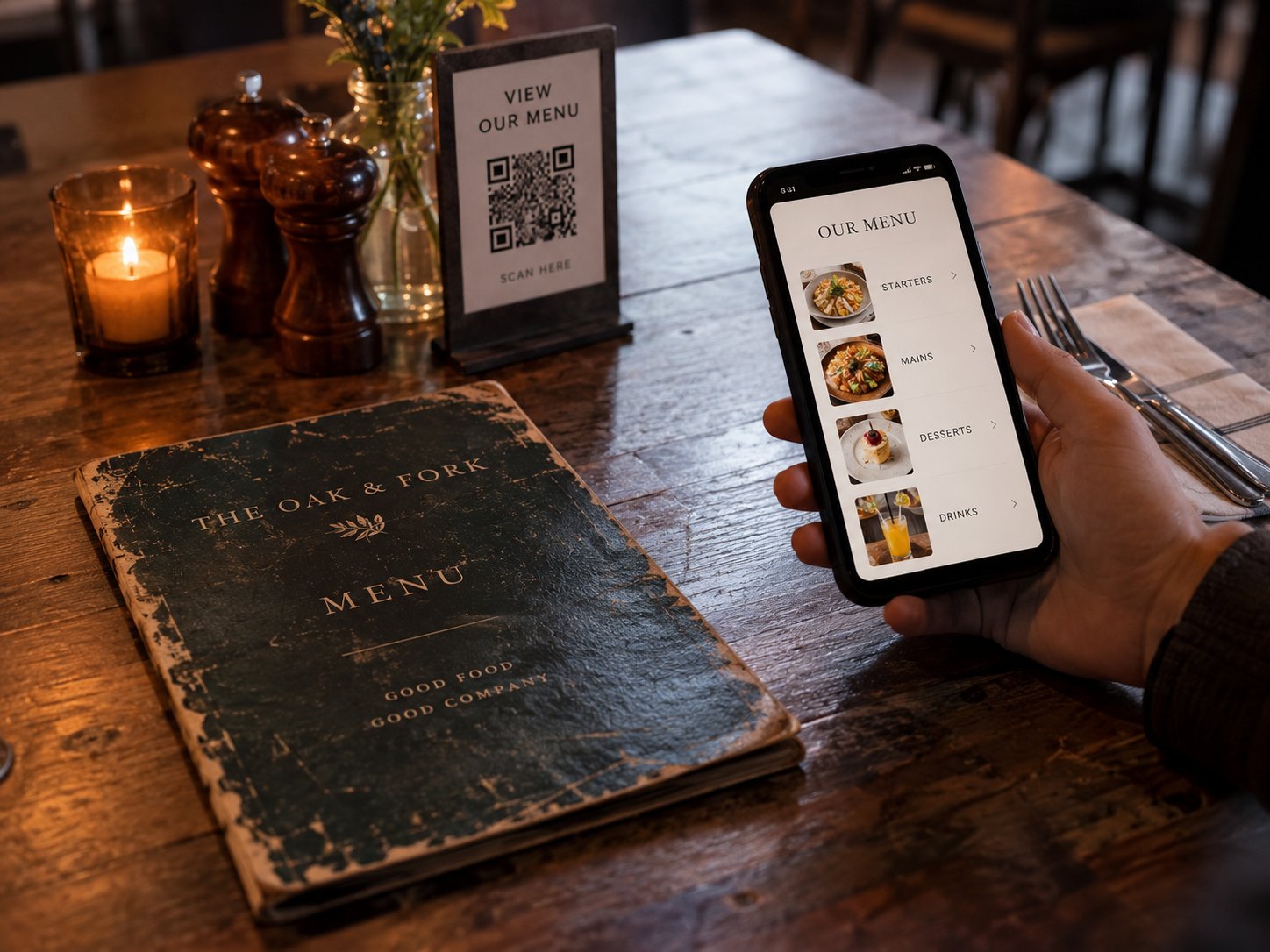
Separate printed menus per language go out of date the first time you change a price. A multilingual QR menu keeps one source: you change the price once, every language updates, and each guest sees the menu in the language of their phone, with a switcher if they prefer another.
How YR Menu handles translation
With YR Menu you write your menu once, in your own language. AI translates dishes, descriptions and categories into up to 13 languages – including Arabic with right-to-left layout, Chinese and Korean – and you can edit every line. Allergens and dietary tags are shown in the guest's language, and the menu opens in the language of the guest's phone automatically. Already have a printed menu with translations? AI menu import reads them from a photo. See how the multilingual QR menu works, compare what a QR menu costs, or start free for 14 days.